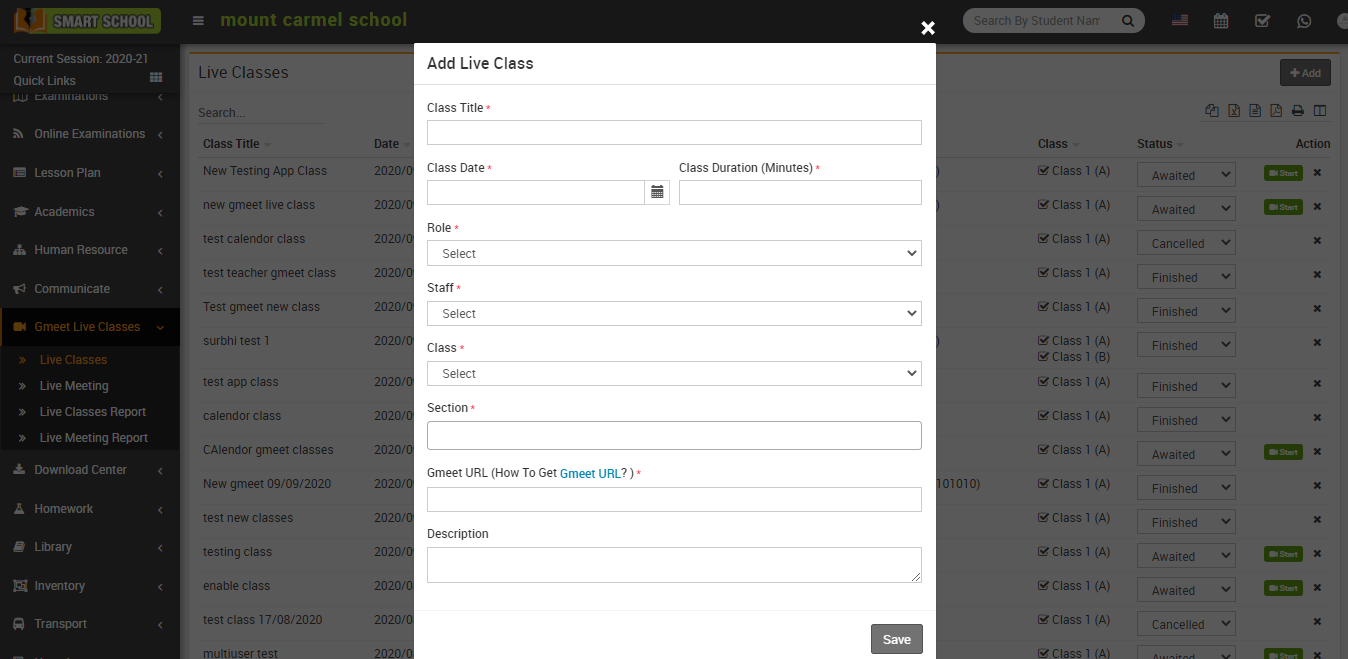
As Google Meet currently does not provide any API/SDK for creating meetings directly (https://support.google.com/meet/thread/63731528?hl=en) so to create Gmeet Live Class or Meeting in School ERP Software you should create google meet meeting manually from http://meet.google.com/new . After creating meeting, just copy meeting URL and enter in School ERP Software Gmeet add Live Class or Meeting.
Google Meet Live Class Workflow: Superadmin/Admin/Teacher needs to get Google meeting link from Google Account and use this meeting URL when adding Live class or Live meeting then student can join live class or staff can join meeting further we can check join report.
Note: Google Meet Live Class is School ERP Software addon so to use it you should purchase separately and install it in your School ERP Software.
